Easily manage multiple messages in your MyChart Inbox
Bulk manage your conversations in ARC MyChart by marking multiple messages as read, unread, or archiving. This will help you more easily maintain your inbox.
- Visit MyChartARC.com or the mobile app.
- Click on Inbox.
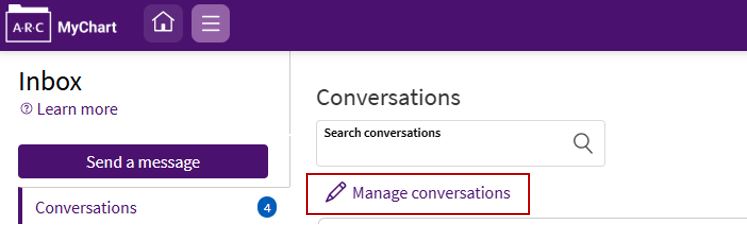
- Under Conversations, click Manage conversations.
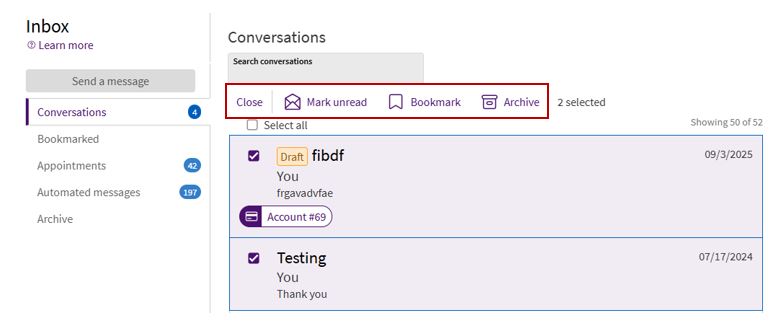
- Click the selection box for each message you would like to manage, then select from the top menu to mark read/unread, bookmark, or archive.
Please call ARC MyChart Support, Monday-Friday, 8 am-5 pm, at 512-272-4357 (512-ARC-HELP) if you have any questions.